Start Your Free Trial
After you create your account, you arrive at the trial page. This is where you turn on your subscription so you can start using the tools.
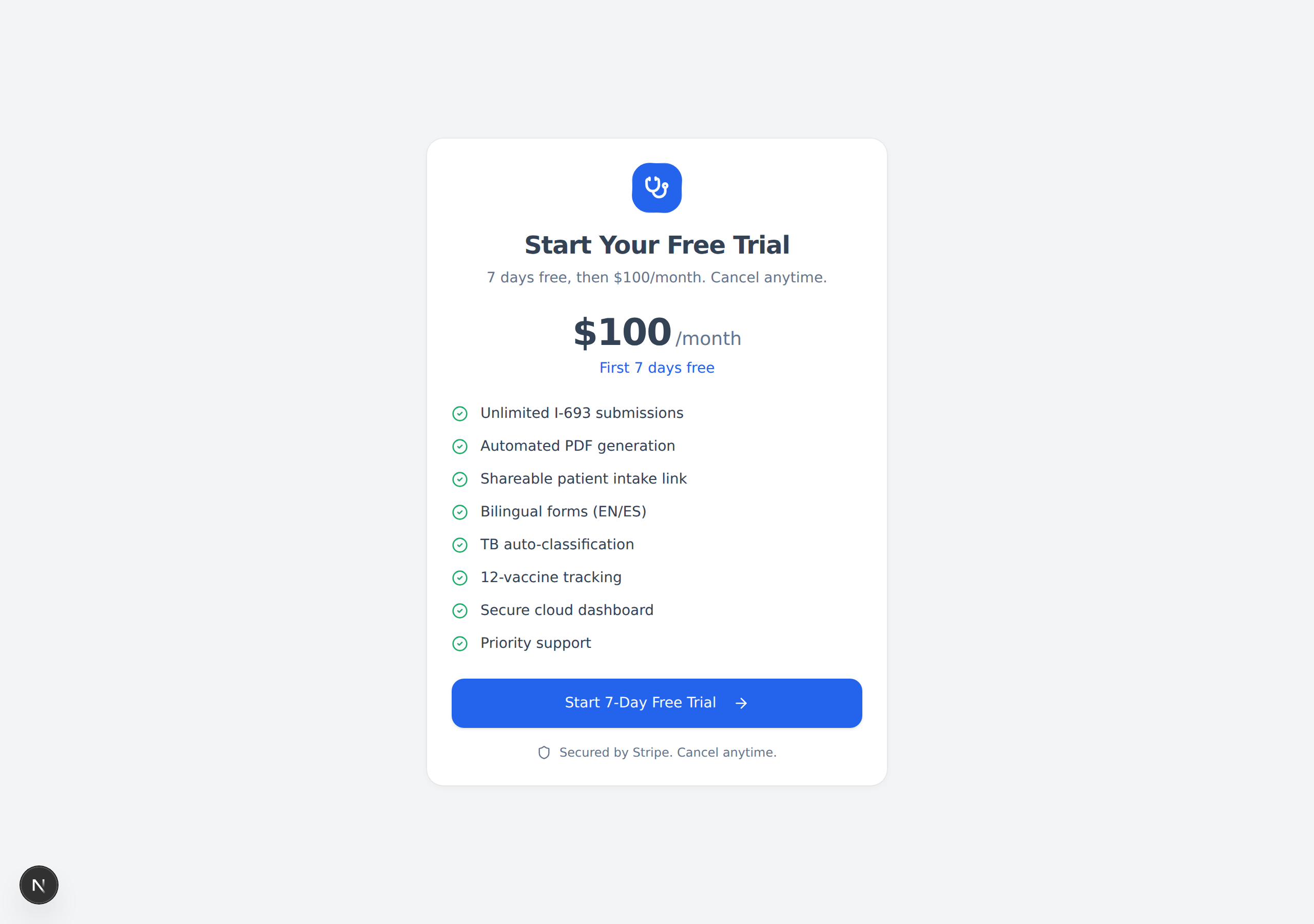
What you get
- The first 7 days are free.
- After the trial, it is $100 per month.
- You can cancel anytime.
The page lists everything included, such as unlimited submissions, automatic PDF generation, your shareable patient link, and bilingual (English/Spanish) forms.
Steps
- Read the plan details on the page.
- Click the blue "Start 7-Day Free Trial" button.
- You will be taken to Stripe, our secure payment partner, to enter your card details.
- Finish the checkout. You will then be sent to your Dashboard.
warning
You will not be charged during the 7-day free trial. The first charge only happens after the 7 days end, and only if you have not cancelled.
note
Payments are handled by Stripe, shown by the "Secured by Stripe" note at the bottom of the page. Civil Surgeon never sees or stores your full card number.
Next: Signing In →