Create Your Account
Your first step is to make an account. This takes about one minute.
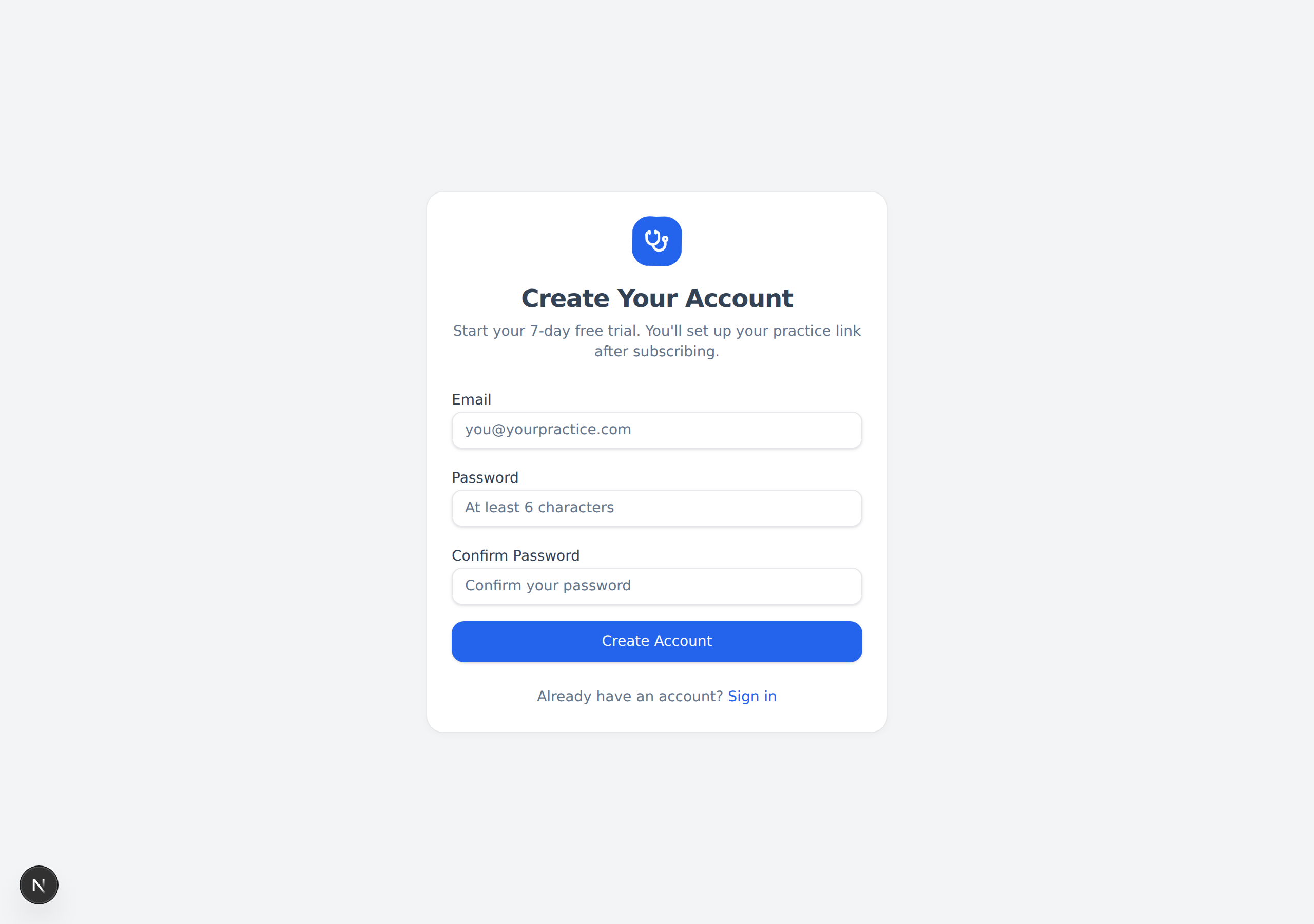
Steps
- Go to civilsurgeon.app and click the blue "Get Started" button (top-right corner). You can also go straight to civilsurgeon.app/signup.
- In the Email box, type your email address.
- In the Password box, type a password. It must be at least 6 characters long.
- In the Confirm Password box, type the same password again.
- Click the blue "Create Account" button.
note
The two password boxes must match exactly. If they do not, you will see a red message and the account will not be created.
What happens next
After you click "Create Account", the website takes you straight to the trial page so you can turn on your subscription.
tip
Already have an account? On this page, click the "Sign in" link at the bottom (next to "Already have an account?") to go to the login page instead.
Next: Start Your Free Trial →